Embedding AI into Your Website: A Step-by-Step Guide
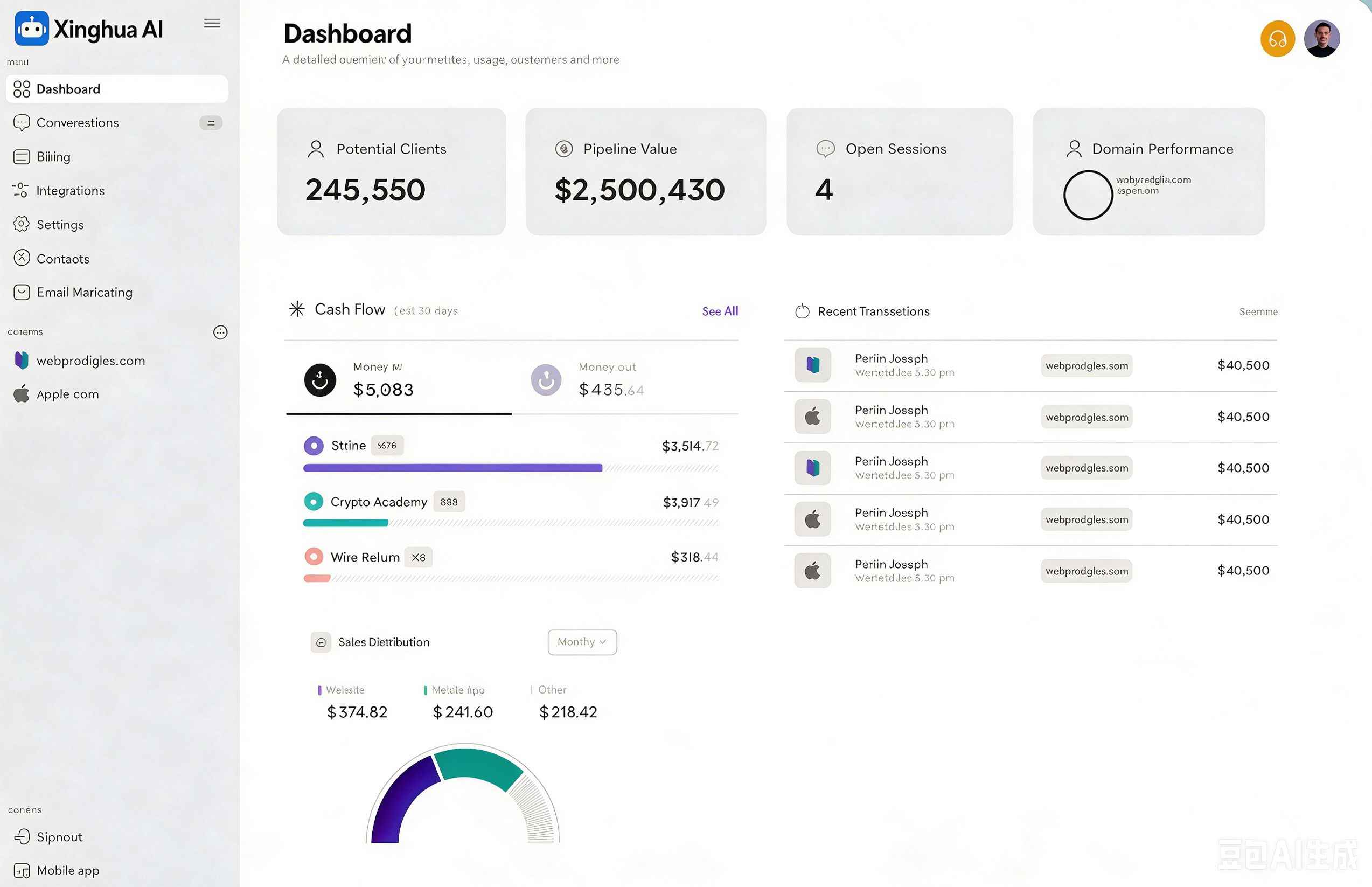
Adding an AI assistant to your website has never been easier. With just a few lines of code, you can give your visitors instant access to answers, product recommendations, and support — available 24/7.
Step 1: Create your chatbot — Sign up, configure your assistant's persona, knowledge base, and escalation rules from the dashboard.
Step 2: Copy the embed snippet — Navigate to Settings → Embed and copy the generated script tag.
Step 3: Paste into your site — Add the snippet just before the closing body tag on any page where you want the chatbot to appear.
Step 4: Test and refine — Use the preview mode to test conversations and fine-tune responses before going live.
The entire process takes under 10 minutes and requires no backend changes or API integration on your end.